


Sort By: Most relevant


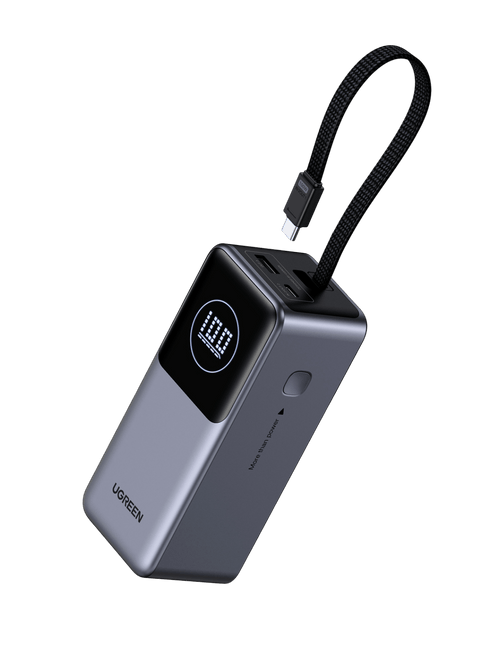
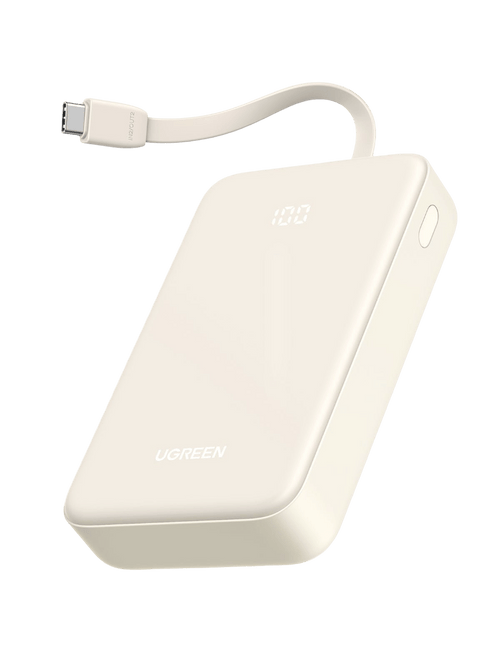
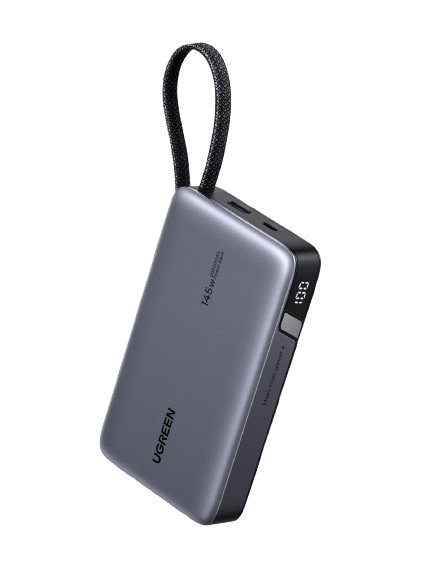


Estimate How Much Energy You’ll Use

Choose a Cable Setup for Fast Charging

Pick a Charger for Your 20,000mAh Power Bank

Add Magnetic Charging for a Compatible Phone

20,000mAh Power Bank FAQs
It depends on the phone’s battery and how you charge it. Compare watt-hours, allow for conversion losses, and account for power the phone uses during charging. The pack’s cell rating alone cannot tell you the number of full charges.
The answer depends on the nominal cell voltage. At 3.6V, 20,000mAh is 72Wh. Check the Wh printed on your specific pack.
It depends on the pack’s input rating, the wall charger, the cable, and the starting battery level. Check the product’s charging chart and use a charger and cable that support the pack’s input.
Yes, if the laptop accepts USB-C PD input and the pack and cable support its charging profile. Check the wattage available from the specific output connection you plan to use.
Choose 20,000mAh if you need more reserve between outlets. Choose 10,000mAh when you need fewer top-ups and prefer a smaller pack. Compare the actual weight and watt-hour rating of both models. See the 10,000mAh and 20,000mAh comparison.
Some models offer both. For example, the 20,000mAh MagFlow model has a Qi2 magnetic charging surface and a built-in USB-C lead. Match the setup to your phone’s charging support.
A built-in USB-C plug fits a USB-C device. For a Lightning iPhone, use a compatible USB-C to Lightning cable with a suitable output port, or a magnetic pack if the phone supports that wireless setup.
Only use simultaneous input and output if the specific model documents pass-through charging. Check the supported ports and power limits, which can differ from the ratings for normal charging.