


Sort By: Featured
-
 34% OFF


Compatibility and Future-Proofing

Data Transfer Speed

Performance and Reliability

Ease of Use and Storage Needs

FAQ About SSD Enclosures
An SSD enclosure is a small case that lets you use an internal SSD as an external portable drive. You put the SSD inside, then connect the enclosure to your computer via USB-C, USB-A, Thunderbolt, or other supported interfaces.
Inside the enclosure, a bridge controller converts the SSD’s native interface into an external connection:
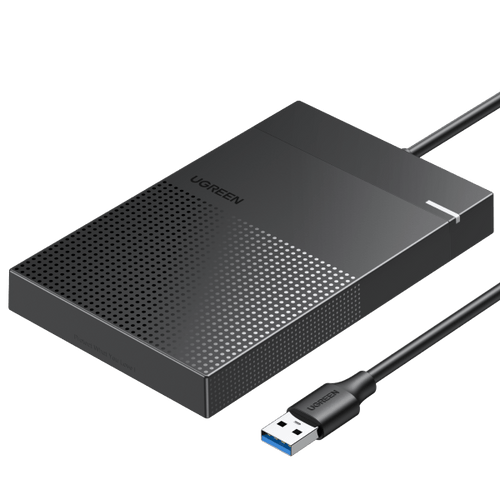
2.5-inch SATA SSD enclosure: converts SATA → USB or Thunderbolt
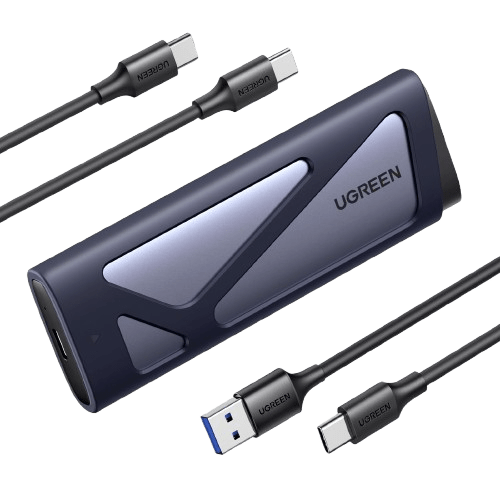
M.2 NVMe SSD enclosure: converts PCIe or NVMe → USB or Thunderbolt
The enclosure also provides power, usually through bus power, physical protection, and in many cases thermal pads or heatsinks to help manage heat during operation.
Yes, the enclosure can influence how fast your SSD performs. Even if your drive is capable of very high speeds, actual performance depends on the interface standard and the chipset used inside the enclosure.
For example, a SATA SSD inside a USB 3.0 enclosure will usually top out around 500 MB/s, while an NVMe SSD paired with a USB4 or Thunderbolt 3 enclosure can reach several gigabytes per second.
Heat management also plays an important role. Poor cooling may cause the SSD to throttle under sustained workloads. To achieve consistent performance, look for enclosures with UASP and TRIM support, a reliable controller, and a well-designed thermal solution.
The easiest way is to check both the physical port and the technical specifications. A USB-C port is oval and reversible, but the connector shape alone does not guarantee high-speed data transfer.
Review the product description for standards such as USB 3.2 Gen 2 (10 Gbps) or USB4 (40 Gbps), which indicate actual performance levels. Some enclosures include a USB-C to USB-C cable, but the most reliable information comes from the manufacturer’s specification sheet.
In short, USB-C may describe only the connector, while the underlying protocol determines how fast your data moves.
Not usually. Most solid-state drive enclosures are designed for one protocol only, either SATA or NVMe, because the two use completely different interfaces.
A SATA SSD relies on the AHCI protocol, while an NVMe SSD communicates over PCIe lanes for much higher bandwidth. Although a few newer enclosures support both standards, they are relatively uncommon.
To avoid compatibility issues, always match the enclosure type to your SSD: use a 2.5-inch enclosure for SATA drives and an M.2 NVMe enclosure for PCIe-based drives.
The best interface depends on your drive type and the ports available on your computer. For most users with 2.5-inch or 3.5-inch hard drives, a USB-C enclosure with USB 3.2 offers wide compatibility and more than enough speed for HDD performance.
If you plan to use a high-performance NVMe SSD or a multi-drive RAID setup, Thunderbolt provides the fastest and most stable connection, making it ideal for professional video editing or data-intensive workflows.
eSATA is mainly useful for older systems that still rely on that interface. Overall, USB-C offers the best balance of speed, cost, and convenience, while Thunderbolt is the premium option for maximum performance.
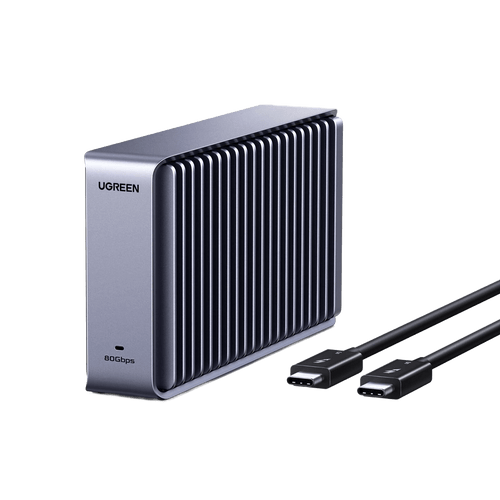
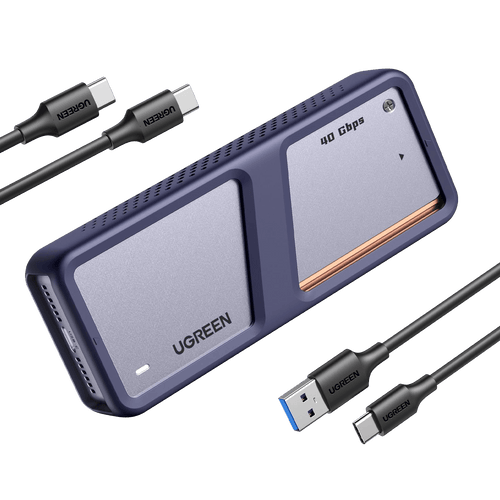
A USB4 SSD enclosure can support data transfer speeds of up to 40 Gbps under ideal conditions, provided your computer, enclosure, and cable all support the same standard.
In real-world use, this typically translates to around 2.5 to 3.8 GB/s when paired with a high-end NVMe SSD. The newer USB4 Version 2.0 specification can theoretically reach 80 Gbps, but support for this standard is still limited.
Keep in mind that installing a SATA SSD will cap performance at the drive’s own maximum speed, regardless of the USB4 interface.