


Free shipping

30-Day Returns

2-year warranty
Free shipping
30-Day Returns
2-year warranty
Free shipping
30-Day Returns
2-year warranty
Free shipping
30-Day Returns
2-year warranty
Free shipping
30-Day Returns
2-year warranty
Free shipping
30-Day Returns
2-year warranty
Free shipping
30-Day Returns
2-year warranty
Free shipping
30-Day Returns
2-year warranty
Sort By: Featured

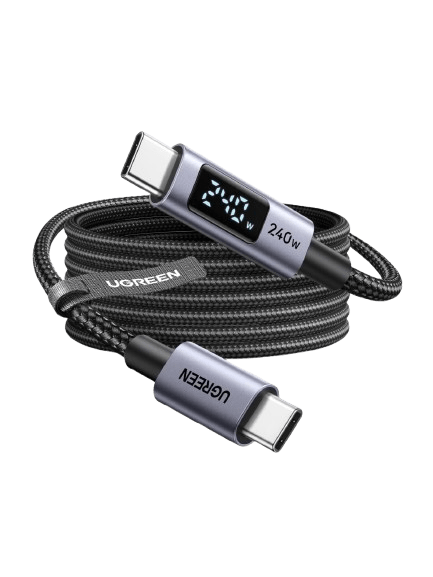
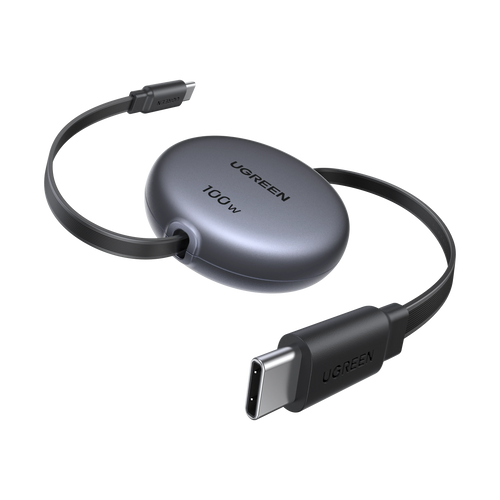
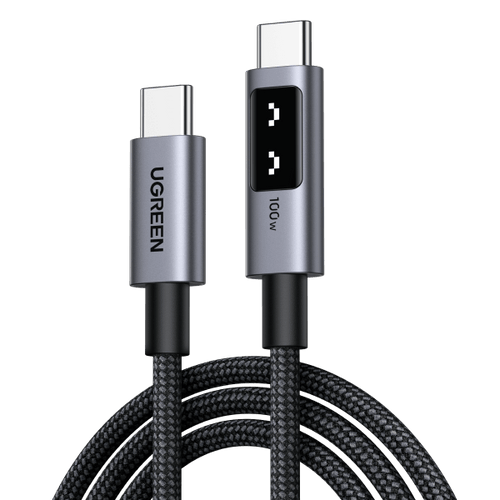
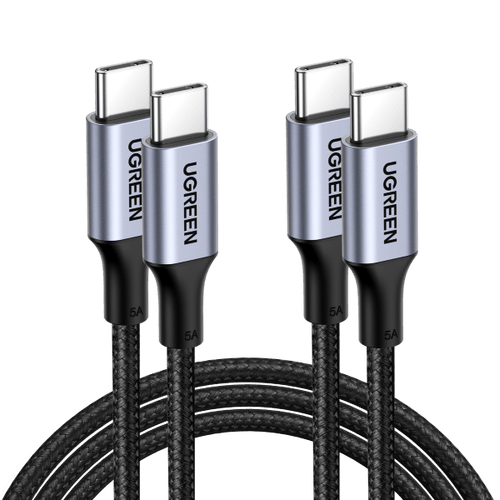



FAQ About USB Cables
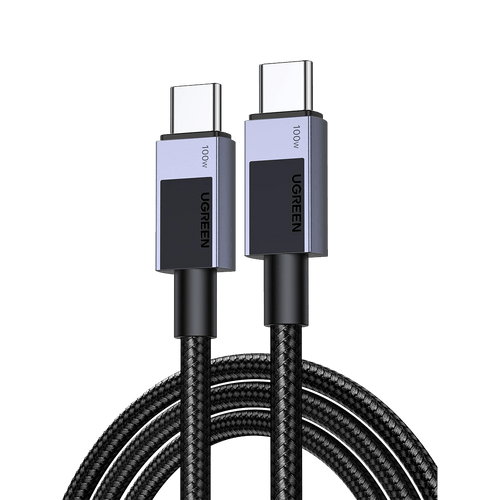
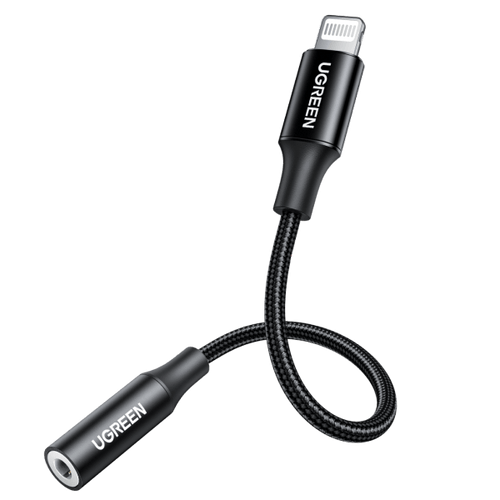
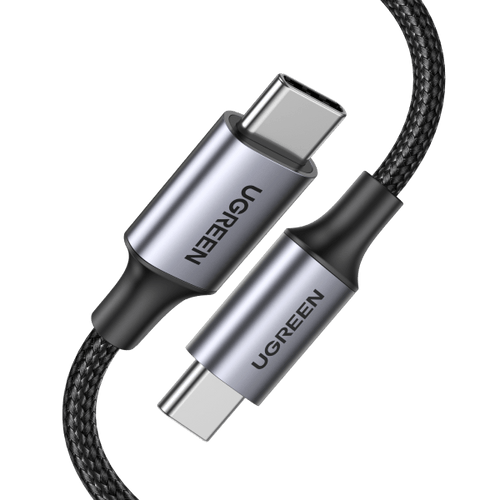
To identify the type of USB cable, focus on the connector shape, which is the most reliable indicator. Common types used today include USB-A, USB-B, Micro-USB, and USB-C, with USB-C being smaller, oval, and reversible.
If you’re still unsure, our Guide to the Types of USB Cables explains how to tell the difference between a basic USB charging cable and higher-speed data cables.
A USB charging cable is designed primarily for delivering power to devices, while a data cable can transfer both power and data. Most modern cables support both functions, although some older or specialized cables may only facilitate data transfer. For example, some USB-B cables may only support data transfer without offering power delivery.
A USB cable can transfer files if it has data wires, including USB 2.0, USB 3.x, and USB4 cables. Charge-only cables can power devices but cannot transfer data.
If a cable only charges your device, switch to a data-capable USB cable. USB 2.0 already supports file transfer, while USB 3.x and USB4 mainly offer faster speeds and better stability.
To test the quality of your USB cable, you can perform several checks:
1. Data Transfer Speed: Transfer a large file between devices and compare the speed with what the cable should support (USB 2.0 vs USB 3.x). If the speed is far below expectations, your USB charger cord may be low-spec or poorly built.
2. Charging Speed: Use the same charger and device to compare how different cables perform. Charging speed is not determined by the cable alone; it also depends on the power adapter, supported fast-charging protocols, battery condition, and temperature. A lower-quality cable may limit charging power or prevent fast charging from activating under the same setup.
3. Physical Inspection: Check for any visible damage, fraying, or loose connectors.
4. Compatibility: Ensure the cable works with multiple devices without issues; a good quality cable should function seamlessly across various platforms.
Uncompromising Quality and Safety

Innovation for Seamless Connectivity

Power Up Your Life
