Skip to product information


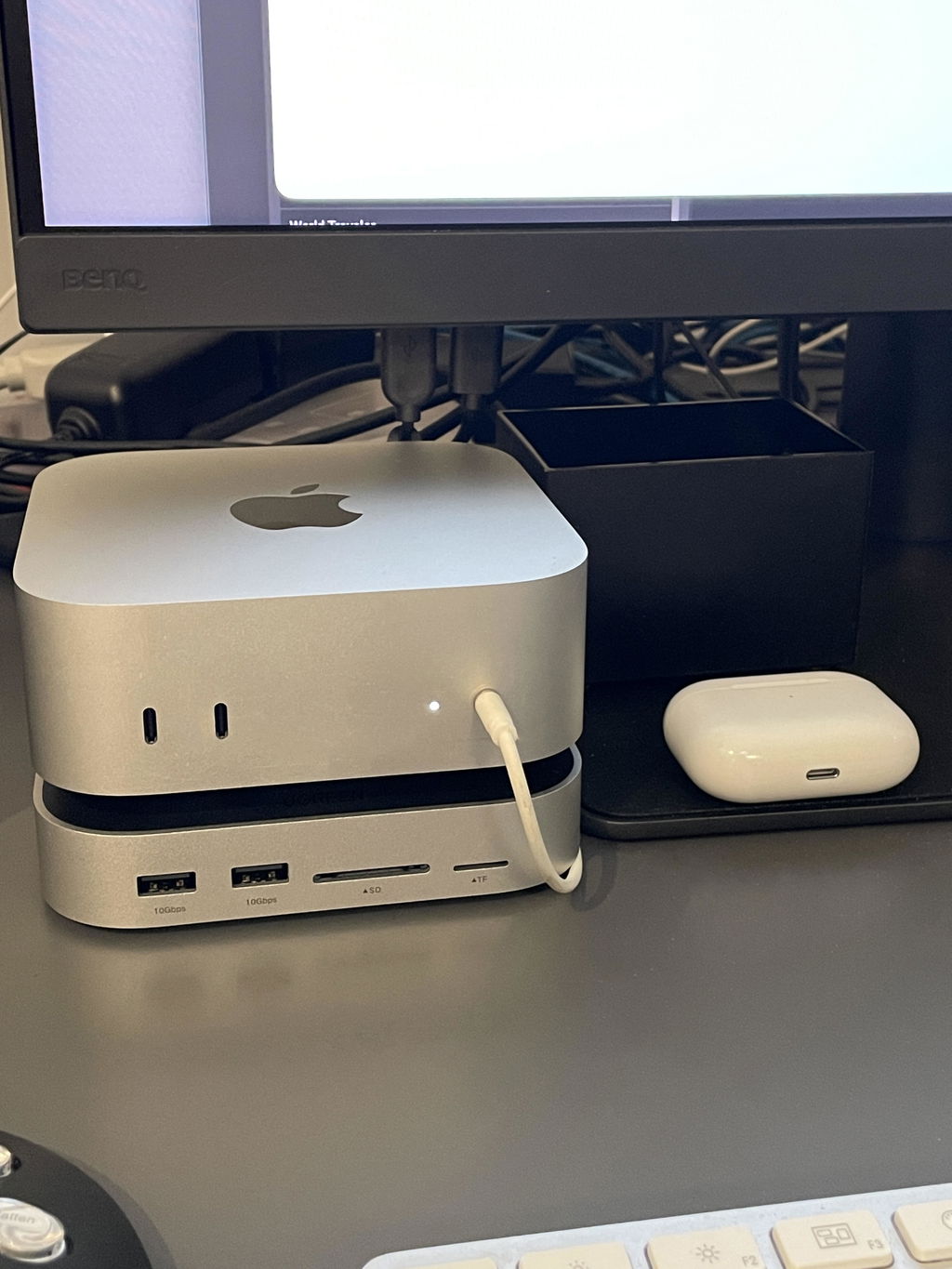
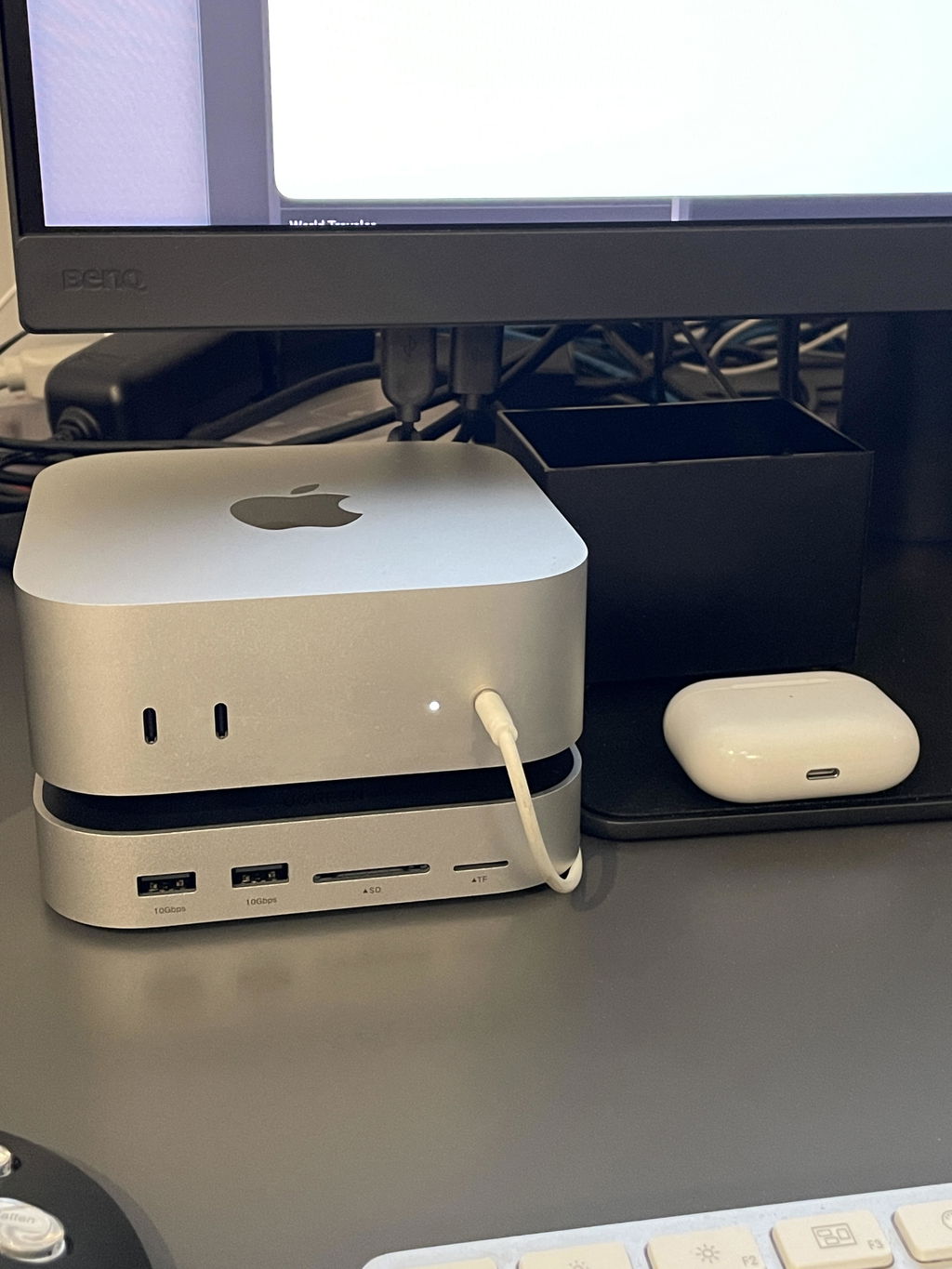
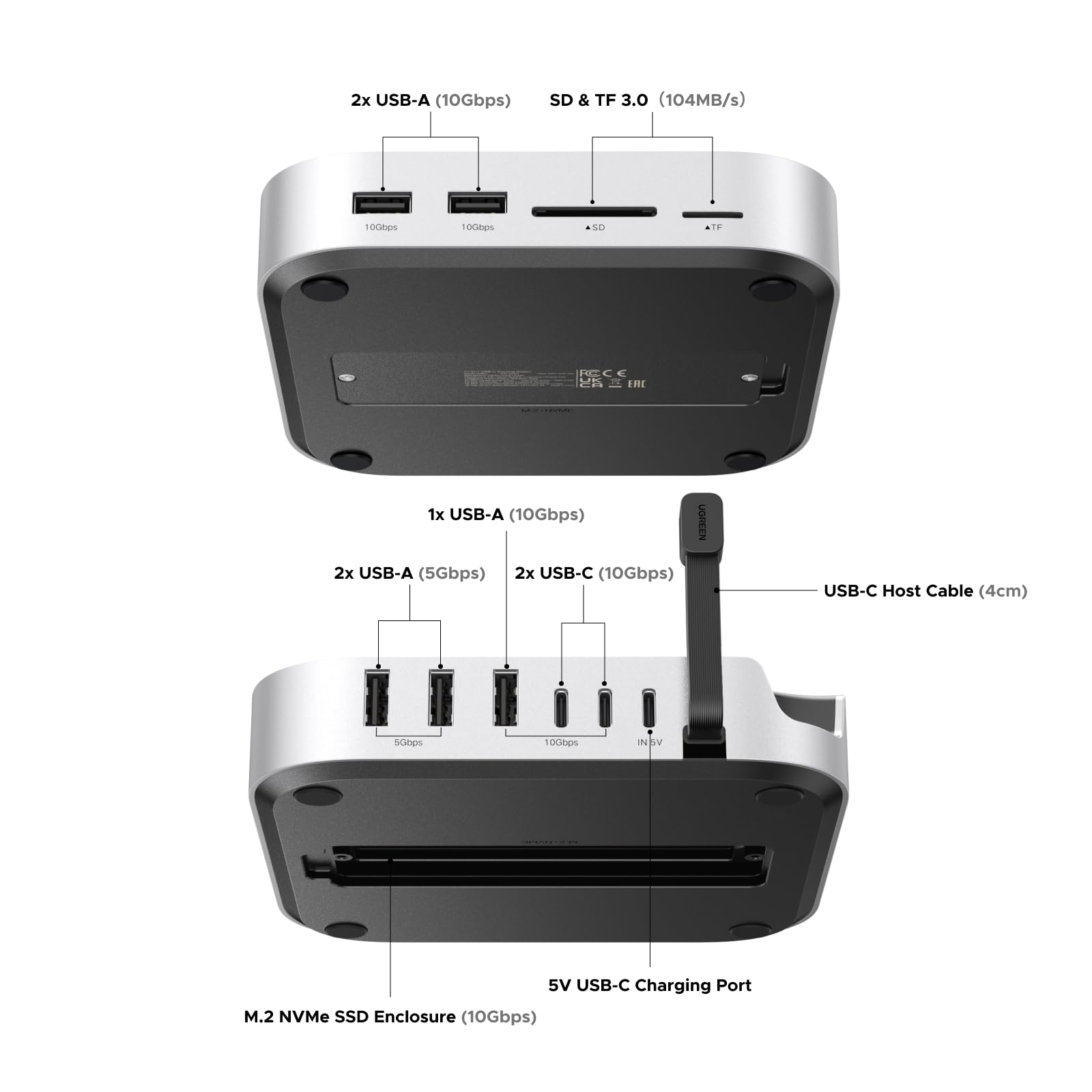
Get more from your Mac mini with plenty of extra ports and additional storage up to 8TB.


38%
OFF



🎃 Halloween Sale | Spin to Win
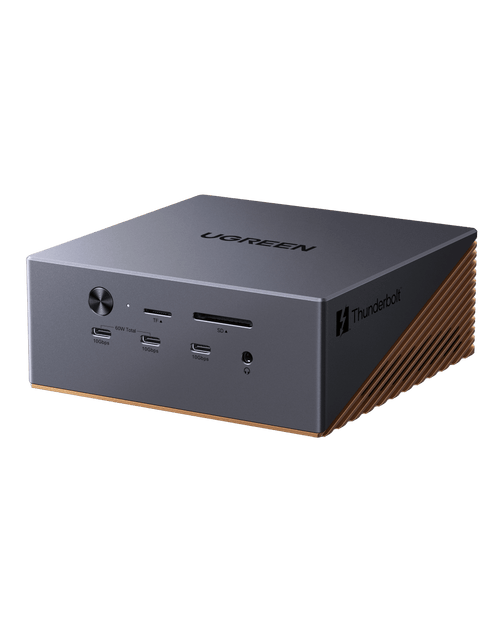
UGREEN Mac mini 11-in-1 Docking Station with SSD Expansion
Sale price
$54.99
Regular price
$89.99
Save 38%
Key Benefits
The UGREEN Advantage


UGREEN Mac mini 11-in-1 Docking Station with SSD Expansion


FAQs about UGREEN Mac mini M4 Docking Station
Which devices is the UGREEN Mac mini M4 Dock compatible with?
The UGREEN Mac mini M4 Dock is specifically designed and optimized for the Mac mini (M4). It is recommended for use only as a Mac mini M4 docking station / base. Due to differences in structure and port alignment, compatibility and normal operation with other devices (such as non–Mac mini models or other hosts) cannot be guaranteed, so it is not recommended for use with other devices.
Can the UGREEN Mac mini M4 Dock charge mobile devices such as phones or tablets?
No. The downstream USB ports on the UGREEN Mac mini M4 Dock have current-limiting protection, so the available charging current is relatively low. Therefore, it is not recommended for charging mobile devices such as phones or tablets.
Why does a wireless mouse/keyboard lag or fail to work when connected to the UGREEN Mac mini M4 Dock?
Some wireless mouse and keyboard receivers operate on the 2.4GHz frequency band, while USB 3.0 signals operate close to 2.5GHz. Because these frequencies are very close, interference may occur, which can cause lag, delay, or unstable performance—especially when the receiver is placed farther away.
To reduce interference and improve connection stability, it is recommended to separate the wireless receiver from any USB 3.0 devices connected to the dock, or keep a certain distance between them.
Can the UGREEN Mac mini M4 Dock be powered by a PD power adapter?
Yes. The UGREEN Mac mini M4 Dock supports being powered by a PD (Power Delivery) power adapter. Most PD chargers support 5V output, so they can be used normally with this dock.
Can I use a USB-C extension cable to connect the USB-C male connector of the UGREEN Mac mini M4 Dock to another host device?
No. It is not recommended to use a USB-C extension cable to connect the UGREEN Mac mini M4 Dock to another host device, as extension cables may cause unstable data transmission, reduced speed, or connection issues, which can affect normal performance and user experience.
Specs
| Sku | 65487 |
| Hardware Interface | USB Type C |
| Special Feature | Anti-Slip, Fast Data Transfer, Plug and Play |
| Total USB Ports | 8 |
| Data Transfer Rate | 10 Gigabits Per Second |