


Sort By: Featured
-
 12% OFF



FAQs About USB-C Hubs
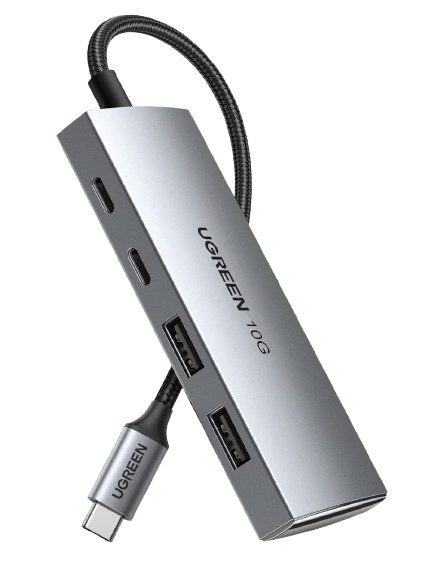
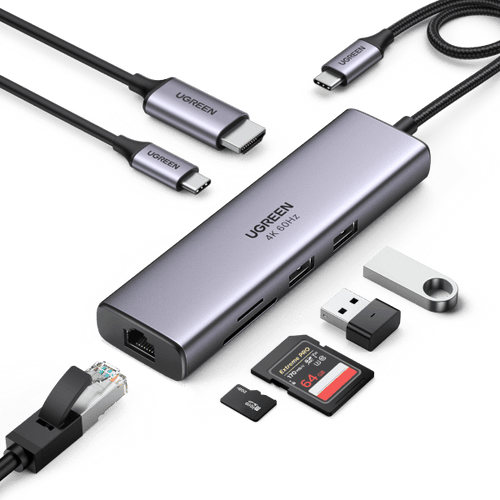
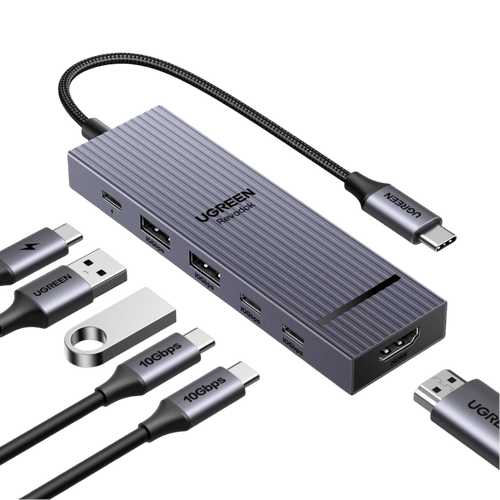
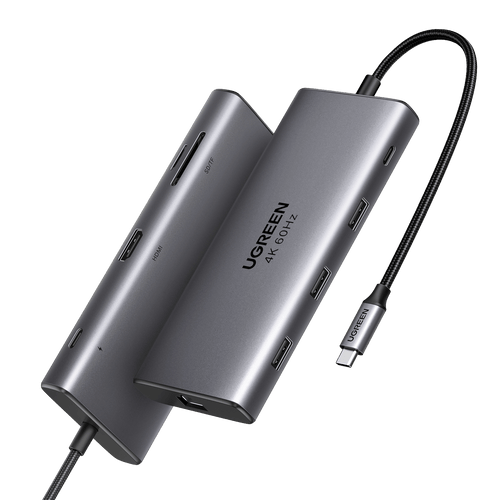
A USB-C hub expands one USB-C port into extra connections such as USB-A, USB-C data, HDMI or DisplayPort, Ethernet, SD/microSD, and Power Delivery. Docking stations are usually designed for desktop setups with more ports, display outputs, and power. Since naming varies by brand, compare bandwidth, display support, charging output, and port functions rather than the product name alone.
For data transfer, the host USB-C port must support USB data. For HDMI or DisplayPort video, it must also support video output such as DisplayPort Alt Mode or Thunderbolt. Verified examples include MacBook Pro 2016 and later, MacBook Air 2018 and later, Pixel 8 and later, all iPhone 15 models, iPhone 16 models except iPhone 16e, and iPhone 17 models except iPhone 17e. USB Power Delivery is only required if you also want the hub to charge the host device.
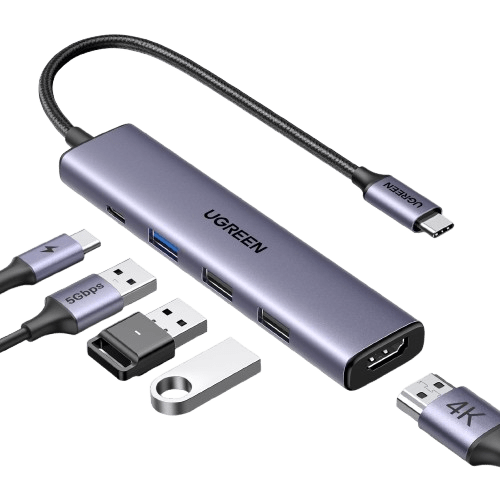
Yes, on models that explicitly support it. The UGREEN 7-in-1 USB-C Hub (SKU 60515) and UGREEN Revodok Pro 106 (SKU 45363) support up to 4K@60Hz; both require a compatible video-capable host, and UGREEN specifies DisplayPort 1.4 for 4K@60Hz on these models. The UGREEN 5-in-1 USB-C Hub (SKU 15495) supports up to 4K@30Hz.
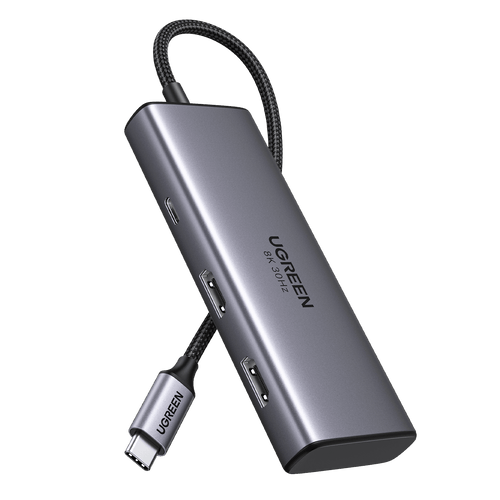
Yes, if both the hub and host support dual displays. The UGREEN Revodok 206 (SKU 15852) supports dual 4K@60Hz on compatible Windows systems and up to 8K@30Hz on a single display. On macOS, standard MST hubs cannot create two independent extended desktops. MacBook Air M1 and M2 support one native external display, M3 supports two with the lid closed, and M4 supports two while the built-in display remains active.
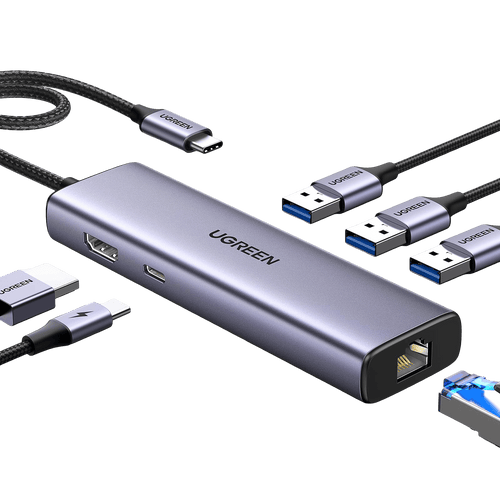
No. A 100W PD rating often refers to the hub's maximum power input rather than the power delivered to the laptop. The UGREEN 7-in-1 USB-C Hub (SKU 60515) delivers up to 95W to the laptop, while the UGREEN Revodok Pro 106 (SKU 45363) and UGREEN Revodok Pro 7-in-1 (SKU 75774) deliver up to 85W. Always check the hub's host-charging output, not only its PD input rating.
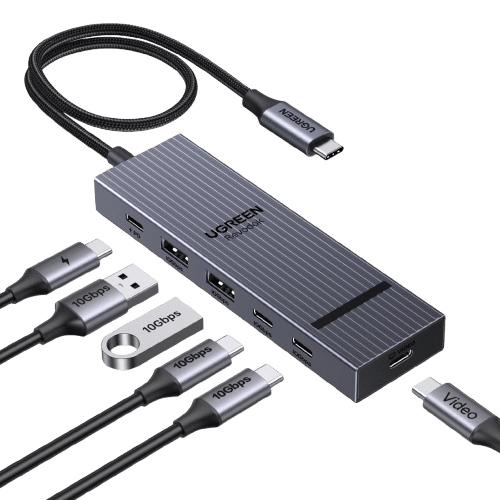
No. 10Gbps is the maximum bandwidth of the USB link, not dedicated bandwidth for every connected device. Multiple high-speed devices share the hub's upstream connection. For example, the UGREEN Revodok Pro 109 (SKU 15532) has one 10Gbps USB-C port, one 10Gbps USB-A port, and two 5Gbps USB-A ports, but simultaneous devices still share the available upstream bandwidth.
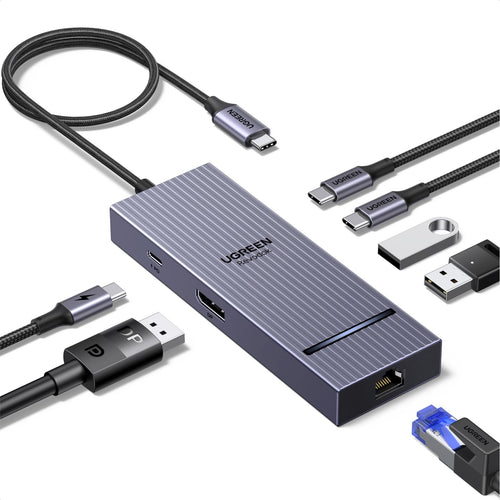
No. USB-C describes the connector, not the port's function. On the UGREEN Revodok Pro 106 (SKU 45363), the downstream USB-C ports support up to 10Gbps data transfer but do not support video output or PD charging. Video uses the HDMI port, while power input uses the separate USB-C PD port.
Yes, on supported USB-C models. Apple confirms external-display support up to 4K@60Hz for all iPhone 15 models, iPhone 16 models except iPhone 16e, and iPhone 17 models except iPhone 17e. USB-C iPads also support external displays, but the maximum resolution varies by model. Lightning-only iPhones and iPads cannot connect directly to a USB-C hub.