


Filters
Sort By: Featured
-
-
-
-
-
 40% OFF
 -
-

USB Hub Multi-Port | Fast Data Transfer | UGREEN
Number and Type of Ports

Power Requirements

Data Transfer Needs

Why Choose UGREEN USB Hubs

FAQ About USB Hub
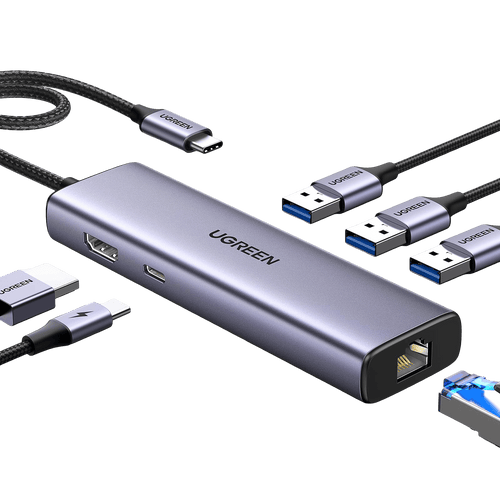
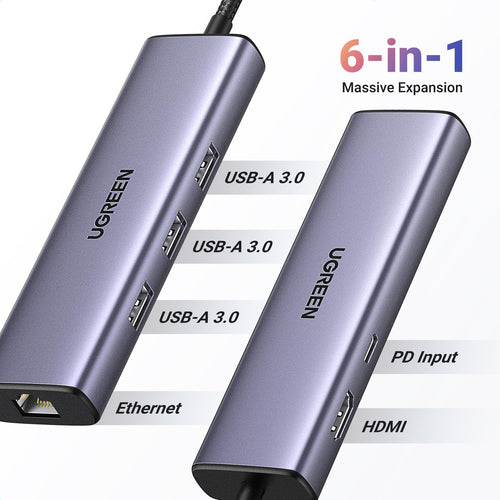
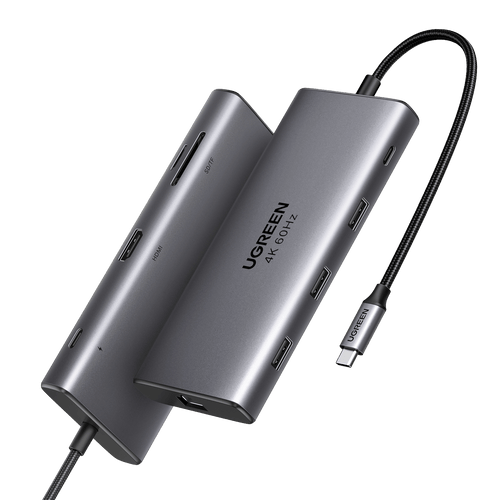
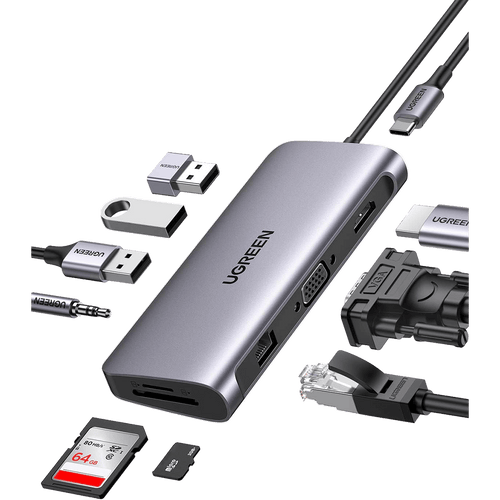
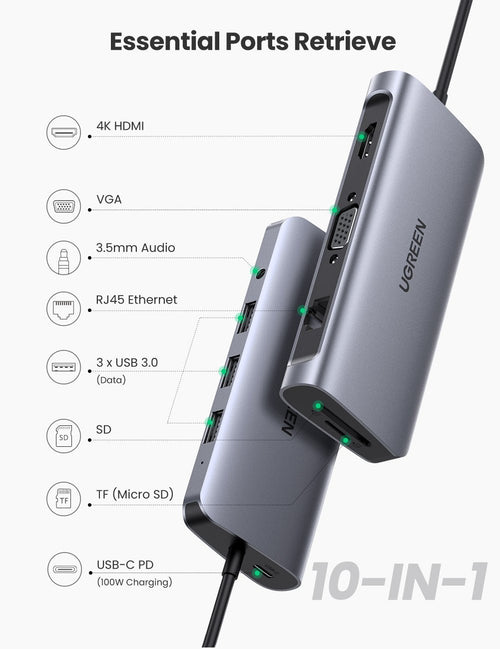
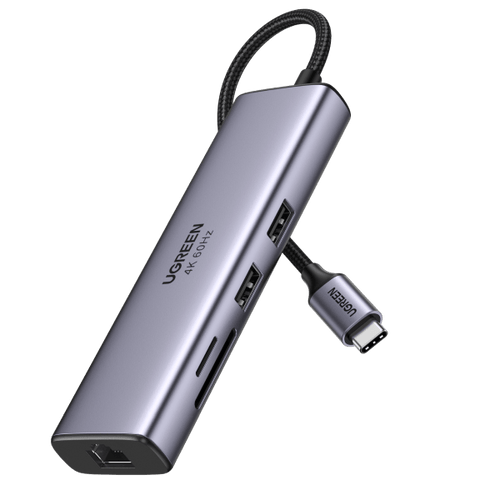
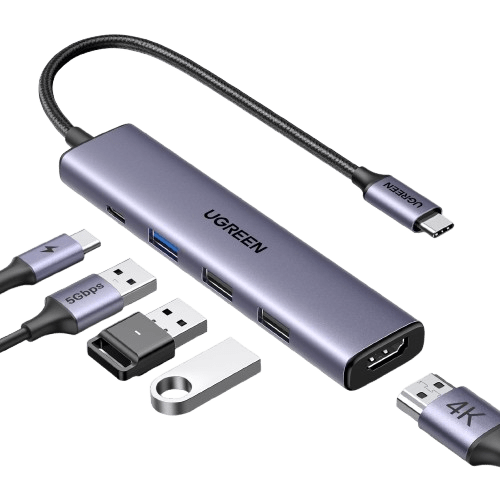
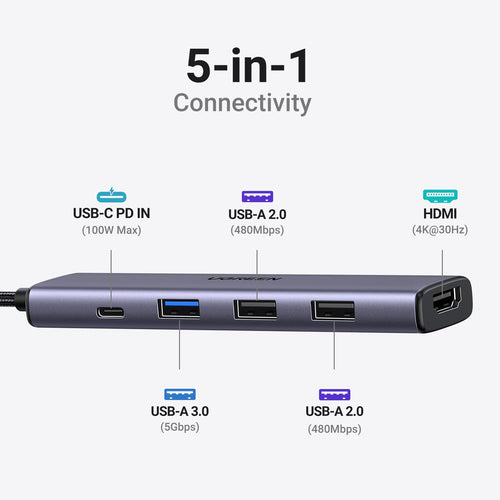
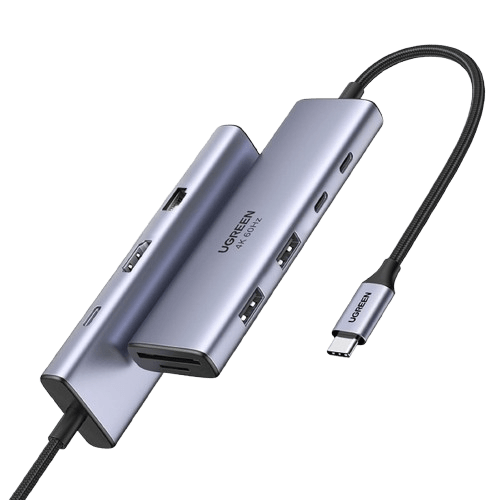
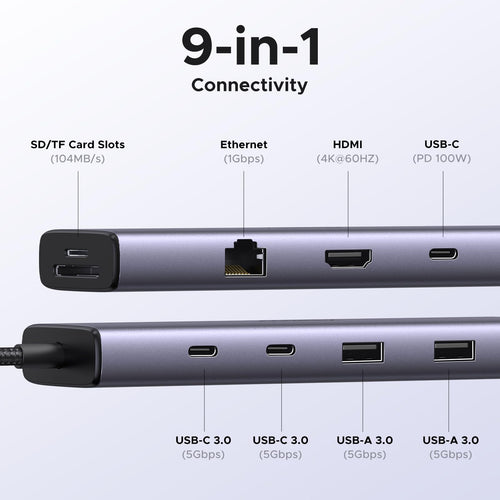
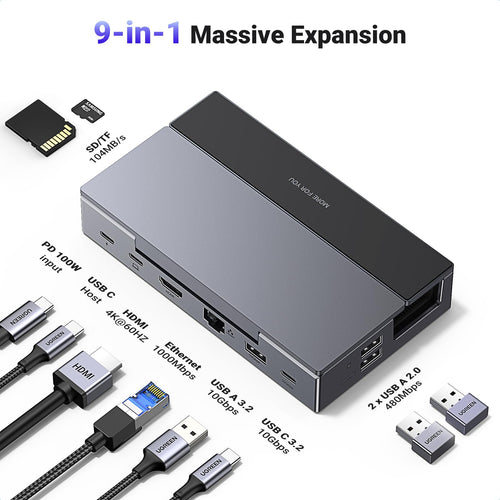
A USB hub is a device that expands the number of USB ports available on a computer or other electronic device. It allows multiple USB devices to be connected to a single USB port on the host device. Essentially, a USB hub acts as a junction point, allowing users to connect various peripherals such as keyboards, mice, printers, external hard drives, and more to their computer or device. Many users look for the best USB hub to ensure reliability and compatibility. Here are some key functions and features of USB hubs:
1. Expansion of USB Ports: The primary function of a USB hub is to provide additional USB ports beyond what the host device offers. This allows users to connect multiple USB devices simultaneously.
2. Data Transfer: USB hubs facilitate data transfer between the connected devices and the host device. Data can be transferred at various speeds depending on the USB standard supported by the hub (e.g., USB 2.0, USB 3.0, USB 3.1, etc.).
3. Power Distribution: Some USB hubs also provide power to connected devices, particularly useful for devices that require power to operate, such as external hard drives or smartphones. These hubs often come with dedicated power adapters to supply sufficient power to all connected devices.
4. Plug-and-Play Convenience: USB hubs are typically plug-and-play devices, meaning they can be connected to the host device without requiring any additional software installation. Once connected, the host device should recognize the hub and any devices connected to it.
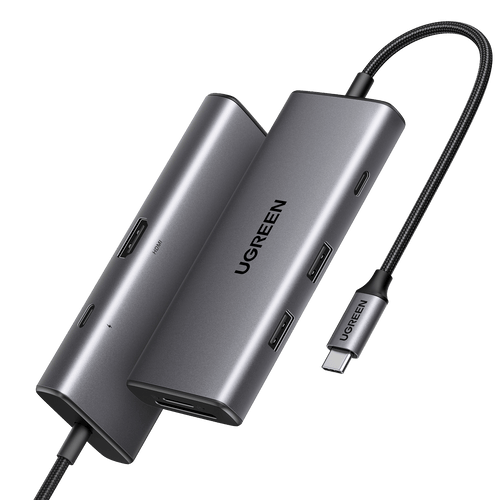
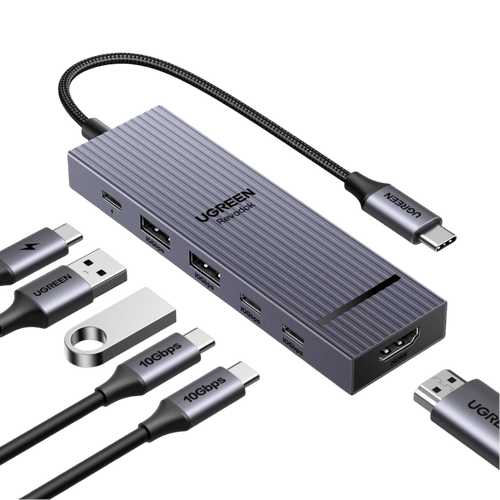
5. Portability: USB hubs come in various sizes and form factors, including compact and portable designs, making them convenient for use with laptops or other mobile devices that have limited built-in USB ports. Many users prefer a USB C Hub for modern laptops due to its versatility and compact design.
Whether you should get a USB 2.0 or USB 3.0 hub depends on your specific needs and the devices you plan to connect to it. Here are the main differences between USB 2.0 and USB 3.0:
1. Speed: USB 3.0 offers significantly faster data transfer speeds compared to USB 2.0. If you frequently transfer large files or use high-speed peripherals such as external hard drives or flash drives, a USB 3.0 hub may be more suitable for your needs.
2. Compatibility: USB 2.0 hubs are backward compatible with USB 3.0 and USB 2.0 devices, but they will operate at the slower USB 2.0 speeds when connected to a USB 2.0 port. USB 3.0 hubs, on the other hand, may not be fully compatible with older USB 2.0 devices, although they will still work at USB 2.0 speeds.
3. Future-proofing: USB 3.0 is becoming increasingly prevalent in newer devices, so investing in a USB 3.0 hub may provide better future-proofing. It offers faster data transfer speeds and is likely to be more compatible with upcoming devices and peripherals.
4. Price: USB 3.0 hubs may be slightly more expensive than USB 2.0 hubs due to the advanced technology and faster speeds. Consider your budget and whether the extra cost is justified by the benefits of USB 3.0.
In summary, if you prioritize speed and future-proofing, a USB 3.0 hub would be the better choice. However, if you mainly use older USB 2.0 devices or have budget constraints, a USB 2.0 hub may suffice for your needs. Click to read more USB 2.0 vs. 3.0 comparisons;
When selecting a USB hub for your computer setup, consider these key factors to ensure it fits your needs:
1. Number of Ports: Determine how many USB devices you need to connect at once and choose a hub with enough ports for all of them, including any potential future additions.
2. USB Standard: Decide between USB 2.0 and USB 3.0 based on compatibility with your devices and desired transfer speeds. USB 3.0 offers faster data transfer rates.
3. Data Transfer Speed: If you regularly transfer large files or use high-speed devices like external SSDs, opt for a USB 3.0 hub for quicker data transfer.
4. Power Requirements: Consider if your devices need power from the hub or have their own source. Choose a hub with sufficient power output for power-hungry devices.
5. Compactness and Portability: If you're frequently on-the-go or have limited desk space, choose a compact, lightweight hub for easy portability.
6. Build Quality: When choosing the best USB hub, look for durable materials and reliable connectors to ensure stable connections and long-lasting performance.
7. Additional Features: Some hubs offer extra features like card readers or charging capabilities. Determine if these features would be useful for your setup.
8. Price: Set a budget and compare hubs within that range, considering features and quality.
Yes. High-speed USB 3.0 and USB 3.1 hubs can support external hard drives and SSDs for fast data transfers. If you plan to connect multiple storage devices, a powered USB hub can help provide stable power and reliable performance.
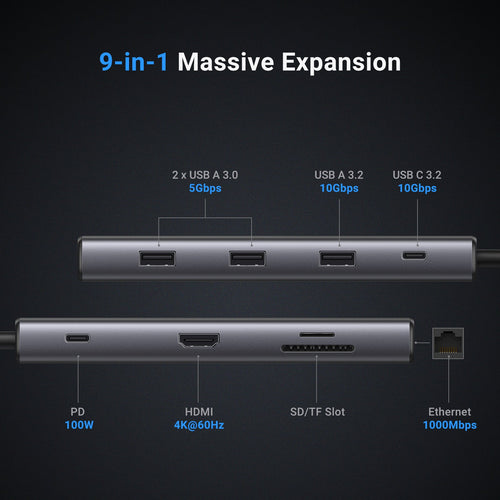
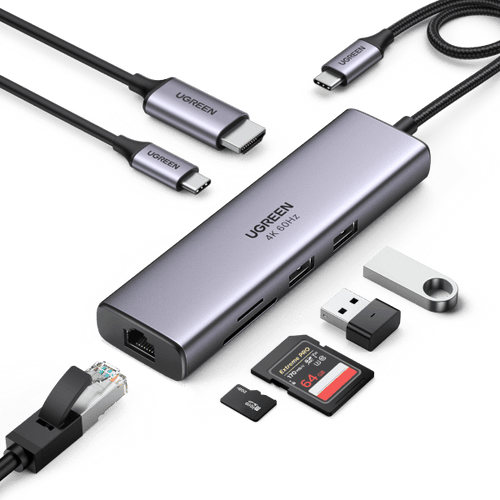
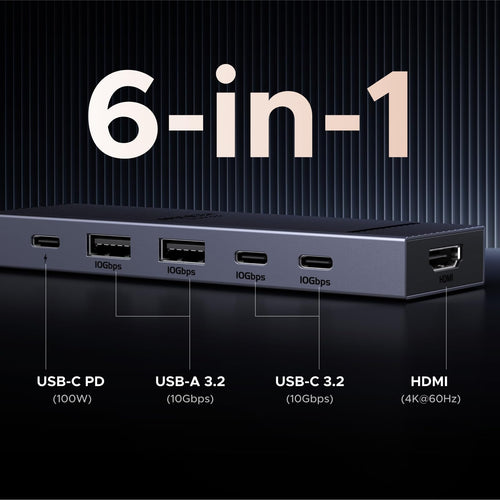
Some USB-C hubs with HDMI ports support external monitor connections, including 4K display output. This allows users to connect a laptop to a monitor or TV while still using other USB ports for peripherals.
A powered USB hub includes an external power supply that provides additional power to connected devices. This makes it ideal for setups with multiple peripherals such as external drives, webcams, and other accessories.
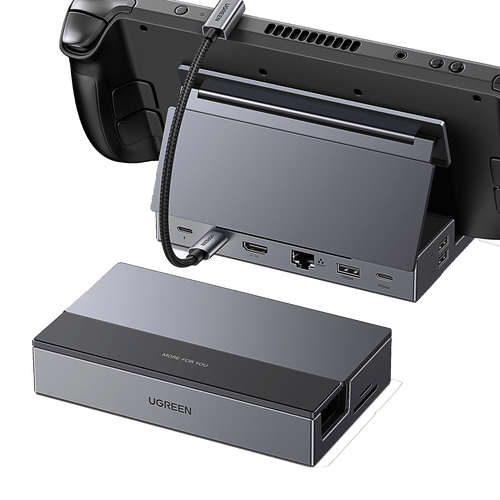
Yes. A USB hub for gaming setups can connect gaming keyboards, mice, controllers, headsets, and webcams to a single laptop or desktop port. This helps gamers manage multiple peripherals more conveniently.
Most USB hubs and USB-C hubs are compatible with both laptops and desktop computers. They provide an easy way to expand connectivity and add additional ports for everyday devices and accessories.
A multi-port USB hub can connect a wide range of devices, including keyboards, mice, flash drives, external hard drives, webcams, printers, and card readers. This makes USB hubs a versatile accessory for modern workspaces.
