


Sort By: Best selling
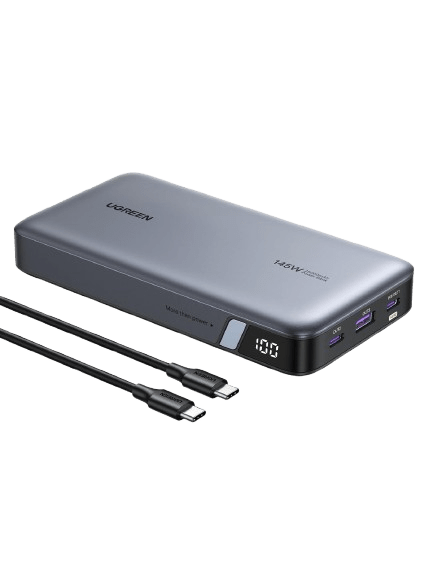


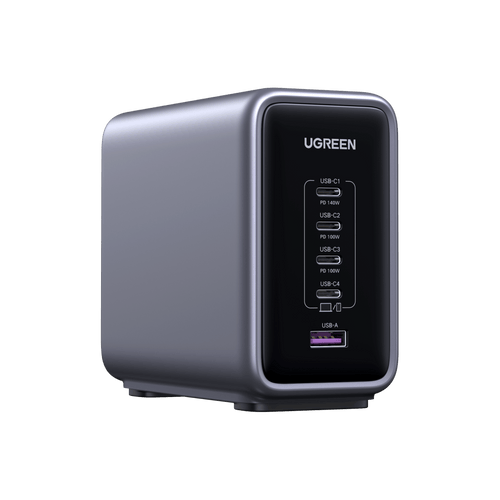


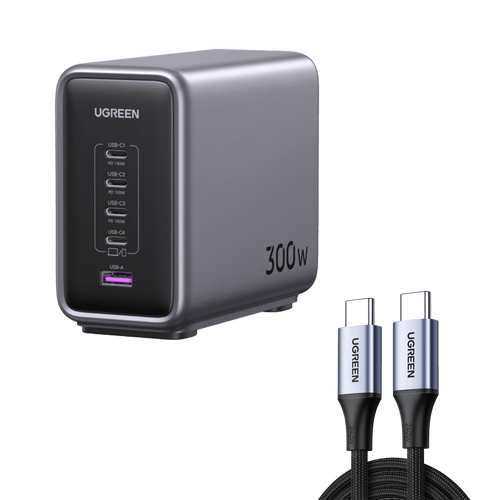
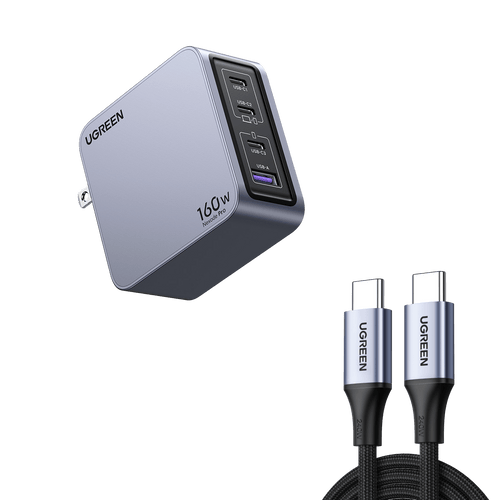
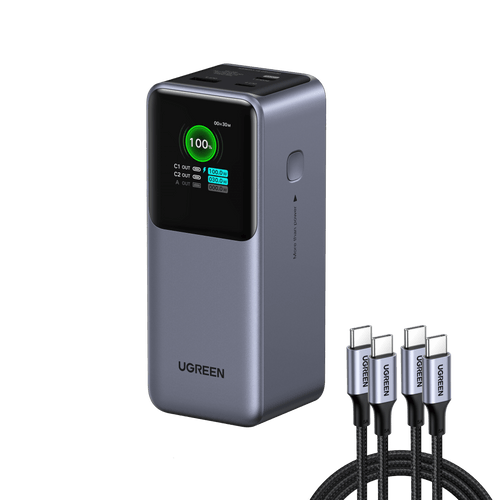
Efficient Ugreen Laptop Charger
FAQs about Laptop Chargers
Yes, it is possible to charge a laptop without a traditional charger. Start with a USB-C charger that supports Power Delivery (PD), commonly found with modern phones or tablets, ensuring it matches your laptop’s voltage and wattage needs. For on-the-go scenarios, a PD-compatible power bank (65W or higher) offers reliable backup. In a car, a 12V-to-USB-C adapter can harness your vehicle’s power. Outdoor settings may require solar panels paired with PD-enabled battery packs for energy storage. While universal chargers or smartphone adapters can serve as temporary fixes, avoid impractical methods like HDMI charging, which lacks power transfer capabilities. Always prioritize PD compatibility and voltage alignment for safe, efficient charging until a standard charger is available. Click for more laptop charging tips.
Yes, a power bank can charge your laptop if it meets two critical requirements: sufficient power output (e.g., 45W for ultrabooks, 65W+ for gaming laptops) and compatibility with USB-C Power Delivery (PD) at your laptop’s required voltage (typically 20V). Focus on watt-hours (Wh) rather than mAh for accurate capacity measurement—a 20,000mAh power bank at 20V provides 74Wh, enough for 1-2 laptop charges. Avoid oversized models like 50,000mAh (185Wh), as they exceed airline safety limits (100Wh max). Prioritize PD-enabled models for faster charging—a 65W power bank can recharge a MacBook Air to 50% in about 45 minutes. For example, the UGREEN Nexode 20,000mAh with 130W PD complies with airline regulations.
Key difference lies in voltage, power output, and compatibility. A laptop power bank delivers higher voltage (typically 20V via USB-C Power Delivery) to meet laptops’ energy demands, while standard power banks max out at 5V-12V for phones and smaller devices. Additionally, laptop models support PD/PPS protocols for safe device communication and often include DC ports for non-USB-C laptops. Crucially, a 20,000mAh laptop power bank at 20V stores 74Wh of energy—triple the usable capacity of a phone bank with the same mAh rating at 5V. Always prioritize voltage alignment over raw mAh to avoid underpowered charging.
Yes, you can use a higher-wattage charger without damaging your laptop. The laptop will only draw the power it needs based on its specifications. For instance, using a 100W charger for a laptop designed for 65W is safe. However, while it won’t charge faster, using a higher-wattage charger could provide more flexibility for future devices or heavier workloads. Just make sure the charger is compatible with your laptop’s charging port and power requirements to ensure optimal safety. Click to read more: Which is Better for Fast Charging Laptops.